Executive Summary
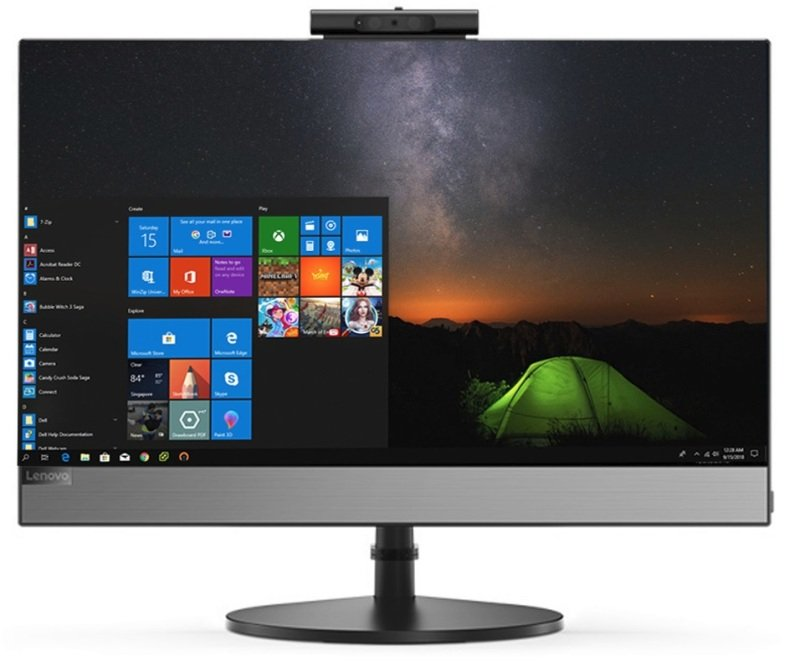
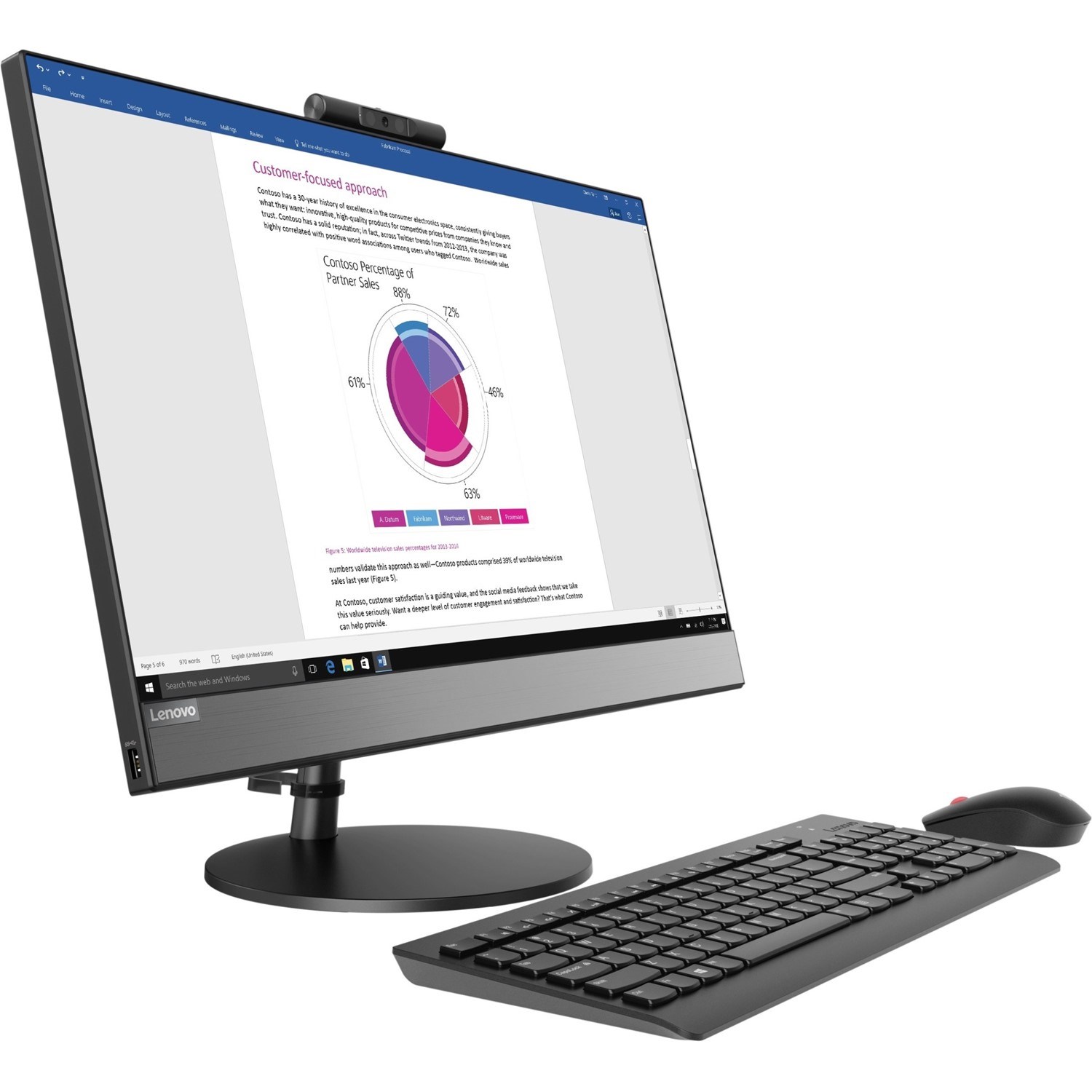
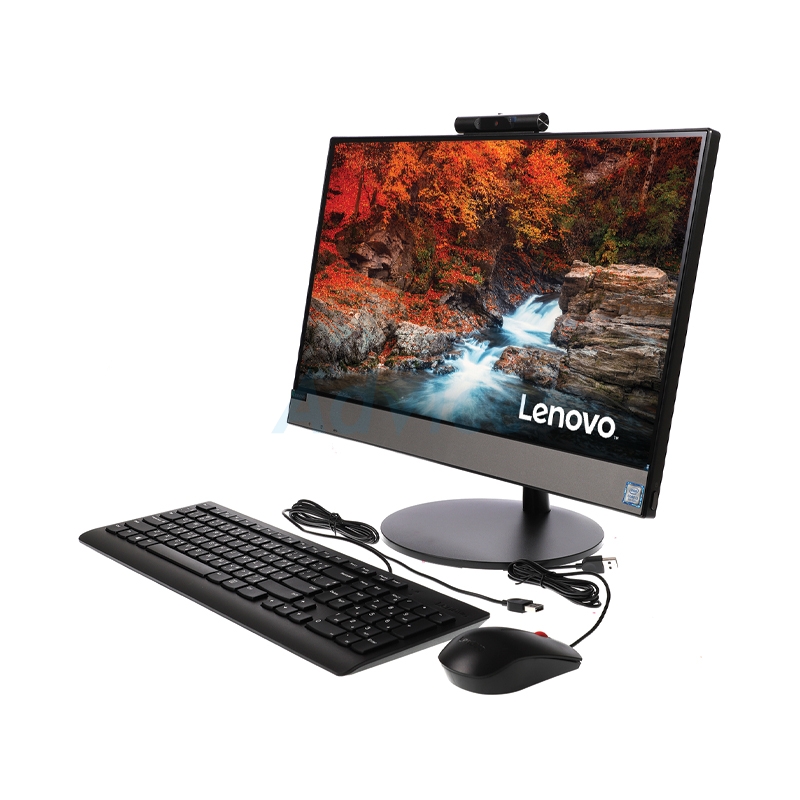
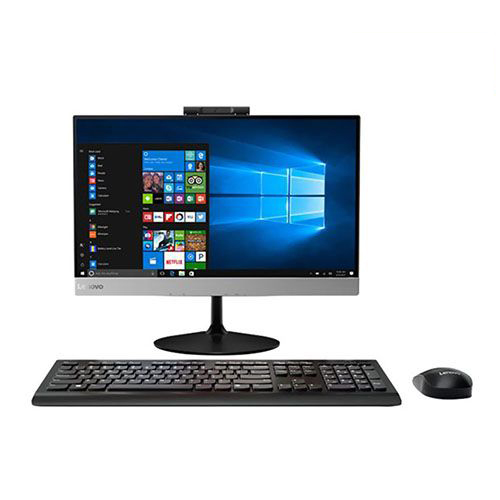
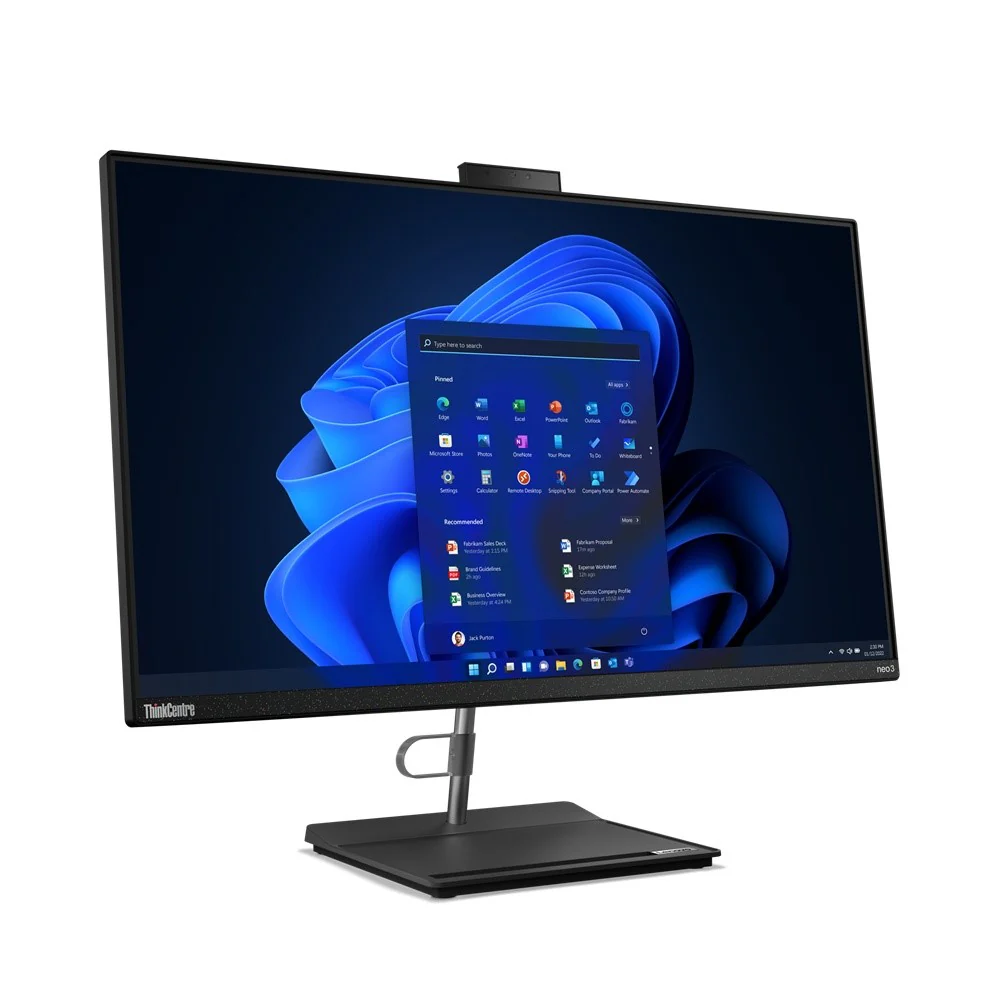
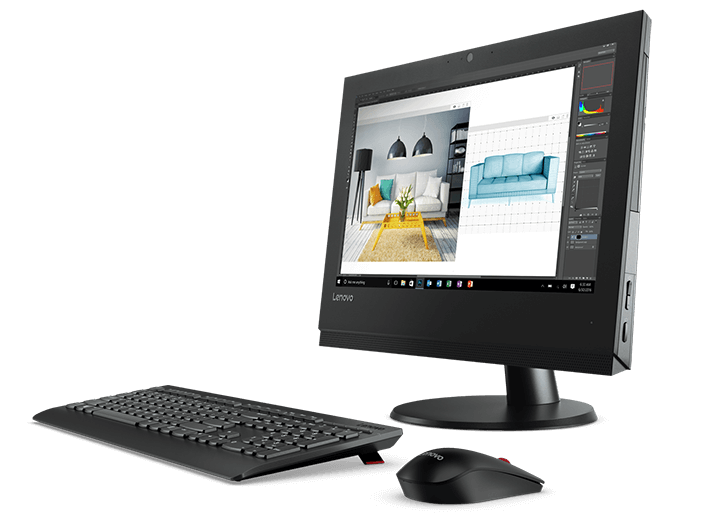
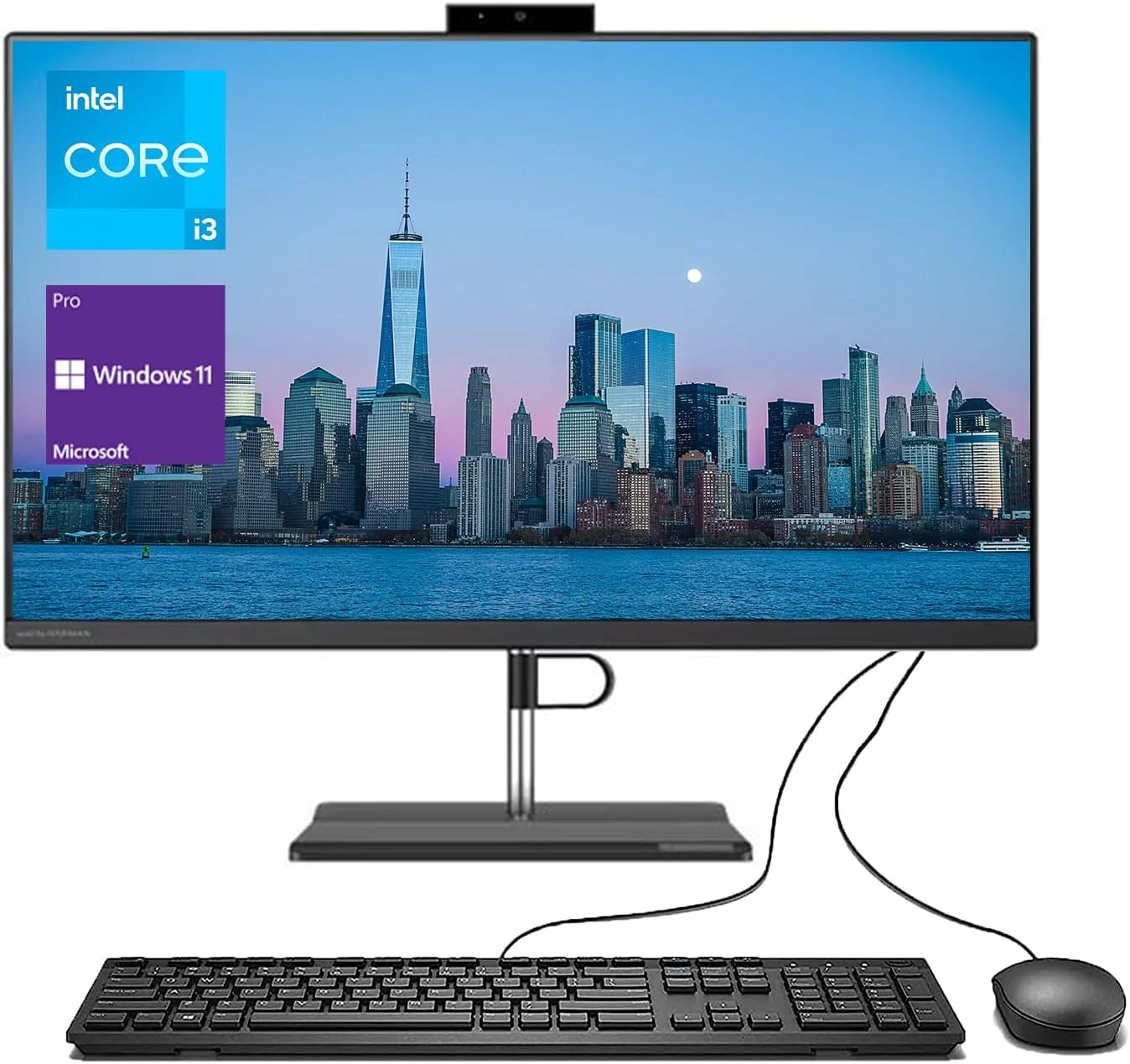
The Lenovo V530-24ICB represents a thoughtfully designed business all-in-one desktop that prioritizes workspace efficiency, professional aesthetics, and reliable performance for corporate environments. Featuring a 23.8-inch IPS display powered by Intel's 8th Generation Core i5 processor with 6 physical cores, this system strikes an excellent balance between computing power and space-saving design. The dual-storage configuration—combining a 256GB NVMe SSD for fast system responsiveness with a 1TB mechanical hard drive for ample document storage—provides both speed and capacity for business applications.
Detailed Specifications
1. Performance Hardware: 8th Gen Intel Platform
- Processor: Intel Core i5-8400T (Coffee Lake architecture, 14nm++)
- 6 cores, 6 threads (no Hyper-Threading on i5-8400T)
- Base frequency: 1.7 GHz, Turbo Boost up to 3.3 GHz
- 9MB Intel Smart Cache
- 35W TDP (low-power variant for thermal management in AiO)
- Memory Configuration:
- 8GB DDR4-2666 MHz (single 8GB module)
- 2 SO-DIMM slots total (1 free for expansion)
- Maximum supported: 32GB (2x16GB)
- Dual-channel capable when second module installed
- Storage System:
- Primary: 256GB PCIe NVMe SSD (M.2 2280)
- Read speeds: ~1,500-2,000 MB/s
- Write speeds: ~800-1,200 MB/s
- Hosts operating system and applications
- Secondary: 1TB 7200RPM SATA HDD (2.5")
- Traditional hard drive for documents, media, archives
- 5400MB/s SATA interface
- Additional storage for large files
- Graphics: Intel UHD Graphics 630 (integrated)
- 24 execution units, 350-1100 MHz dynamic frequency
- Supports DirectX 12, OpenGL 4.5
- Hardware acceleration for 4K video playback
- Can drive the internal display plus one external via HDMI
2. Display & Visual Experience
- Panel Specifications:
- 23.8-inch diagonal, Full HD (1920 x 1080) resolution
- IPS (In-Plane Switching) technology
- Anti-glare coating reduces reflections in office environments
- 250 nits brightness (adequate for typical office lighting)
- 178° viewing angles (consistent color from various positions)
- 16:9 aspect ratio (standard for multimedia and productivity)
- Display Quality:
- Color gamut: 72% NTSC (standard for business displays)
- Contrast ratio: 1000:1 (typical for IPS)
- Response time: 5ms gray-to-gray
- No flicker technology with low blue light mode
- Adjustability & Mounting:
- Tilt adjustment: -5° to +22°
- No height adjustment or swivel on standard stand
- VESA mount compatible (100x100mm) with optional bracket
- Can be wall-mounted or used with monitor arms
- External Display Support:
- HDMI 1.4 output port
- Supports dual displays (internal + external)
- Maximum external resolution: 1920x1080 @ 60Hz
- Useful for presentations or extended desktop workspace
3. Design & Build Quality
- Chassis Construction:
- Plastic and metal composite construction
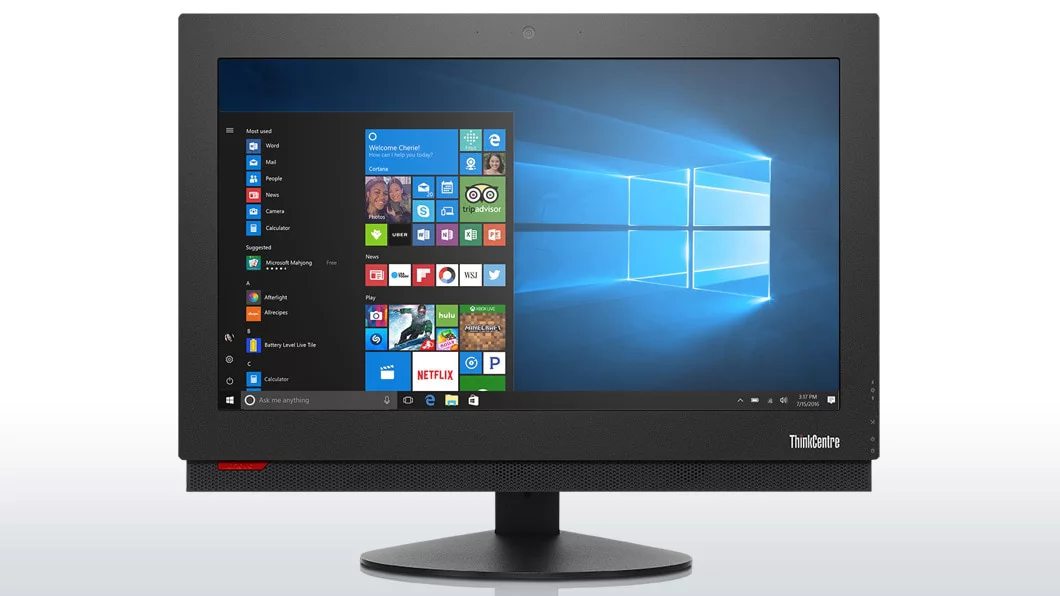
- Professional matte black finish
- Minimalist design with slim bezels (not borderless)
- Stand provides stable base with cable management
- Dimensions & Form Factor:
- With stand: 21.4" W x 15.0" H x 2.0" D (543mm x 381mm x 51mm)
- Panel only (for VESA mounting): ~21.4" W x 13.0" H x 0.8" D
- Weight: 15.4 lbs (7.0 kg) total
- Footprint: Compact base saves desk space
- Aesthetic Features:
- Clean, professional appearance suitable for offices
- Minimal branding (discreet Lenovo logo on front bezel)
- Cable management channel in stand
- Ventilation slots on top and sides for airflow
- Build Quality:
- Business-grade durability
- Sturdy stand prevents wobbling
- Materials chosen for long-term reliability
4. Connectivity & Ports
- Rear Ports (accessible):
- 4 x USB 3.1 Gen 1 (5Gbps) Type-A
- 1 x HDMI 1.4 output
- 1 x RJ-45 Gigabit Ethernet
- 1 x Power connector
- Kensington lock slot
- Side Ports (convenient):
- 2 x USB 2.0 Type-A (ideal for keyboard/mouse)
- 1 x 3.5mm audio combo jack (headphones/microphone)
- SD card reader (model dependent - not on all units)
- Wireless Connectivity:
- Wi-Fi 5 (802.11ac) 2x2 with dual-band support
- Bluetooth 4.2
- Optional: Wi-Fi 6 upgrade on some configurations
- Network Features:
- Gigabit Ethernet (10/100/1000 Mbps)
- Wake-on-LAN support
- PXE boot capability for network deployment
5. Audio & Multimedia Features
- Audio System:
- Stereo speakers (2x 2W)
- Dolby Audio enhancement software
- Built-in digital microphone array
- Audio tuning optimized for voice calls
- Webcam & Privacy:
- 720p HD webcam (1280x720 resolution)
- Fixed focus lens
- Manual privacy shutter (physical slider)
- Dual-microphone array with noise reduction
- Video Calling Readiness:
- Optimized for Microsoft Teams, Zoom, Skype
- Camera positioned at top bezel (natural eye level)
- Microphones capture voice clearly from typical seating distance
6. Software & Management
- Operating System:
- Windows 10 Pro 64-bit (original installation)
- Windows 11 Pro compatible (free upgrade eligible)
- Recovery partition for system restoration
- Pre-installed Software:
- Lenovo Vantage (system management and updates)
- McAfee LiveSafe (trial version)
- Microsoft Office trial (30-day)
- Lenovo utilities for display, audio, and camera
- Business Management Features:
- Support for Windows Autopilot deployment
- Compatible with SCCM, Intune, and other MDM solutions
- TPM 2.0 chip for security and encryption
- UEFI BIOS with IT admin features
- Warranty & Support:
- Standard: 1-year on-site warranty (business models)
- Optional: 3-year warranty upgrades available
- Lenovo Premier Support for business customers
Performance Analysis
Business Application Performance
- Office Productivity: Excellent performance for business suites
- Microsoft Office 365 applications run smoothly
- Handles large Excel spreadsheets and PowerPoint presentations
- Multiple browser tabs (30-40) with Office apps simultaneously
- Multitasking Capability:
- 6 physical cores handle concurrent applications well
- 8GB RAM adequate for standard business workloads
- SSD ensures fast application launches and system responsiveness
- Specialized Business Software:
- Accounting software (QuickBooks, Sage)
- CRM applications (Salesforce, Dynamics)
- Industry-specific applications (medical, legal, etc.)
Technical Benchmarks
- CPU Performance (Geekbench 5):
- Single-core: 900-1,000 points
- Multi-core: 3,500-4,000 points
- Competent multi-threaded performance despite 35W TDP limit
- Storage Performance:
- NVMe SSD: ~1,700 MB/s read, ~1,000 MB/s write
- HDD: ~120-150 MB/s sequential read/write
- Hybrid advantage: OS and apps on SSD, data on HDD
- Graphics Capabilities:
- 4K video playback (streaming or local files)
- Basic photo editing (Adobe Lightroom, Photoshop)
- Not suitable for gaming or 3D rendering
Thermal and Acoustic Performance
- Thermal Design:
- Efficient cooling system for 35W TDP processor
- Multiple heatpipes and quiet fan
- Maintains performance without thermal throttling in typical use
- Noise Levels:
- Nearly silent during office productivity tasks
- Moderate fan noise under sustained heavy load
- Quieter than typical desktop towers
- Power Consumption:
- Typical: 30-50W during office use
- Maximum: ~90W under full load
- Energy Star certified
Target Markets & Use Cases
Ideal Business Environments
- Corporate Offices: Employee workstations, reception areas
- Educational Institutions: Teacher workstations, computer labs, libraries
- Healthcare: Nurse stations, medical office front desks
- Retail & Hospitality: Point-of-sale systems, customer service kiosks
- Financial Services: Bank teller stations, financial advisor offices
- Government Offices: Public service counters, administrative workstations
Specific Use Case Advantages
- Space-Constrained Environments: Eliminates desktop tower clutter
- Customer-Facing Areas: Professional, clean appearance
- Simplified IT Management: Fewer cables, easier deployment
- Hot Desking: Easy relocation when workspace needs change
- Training Rooms: Consistent setup across multiple stations
Comparison with Alternatives
vs. Traditional Desktop + Monitor
- V530-24ICB Advantages: Space saving, fewer cables, cleaner appearance
- Traditional Desktop Advantages: Easier upgrades, better cooling, more expansion
vs. Other Business All-in-Ones
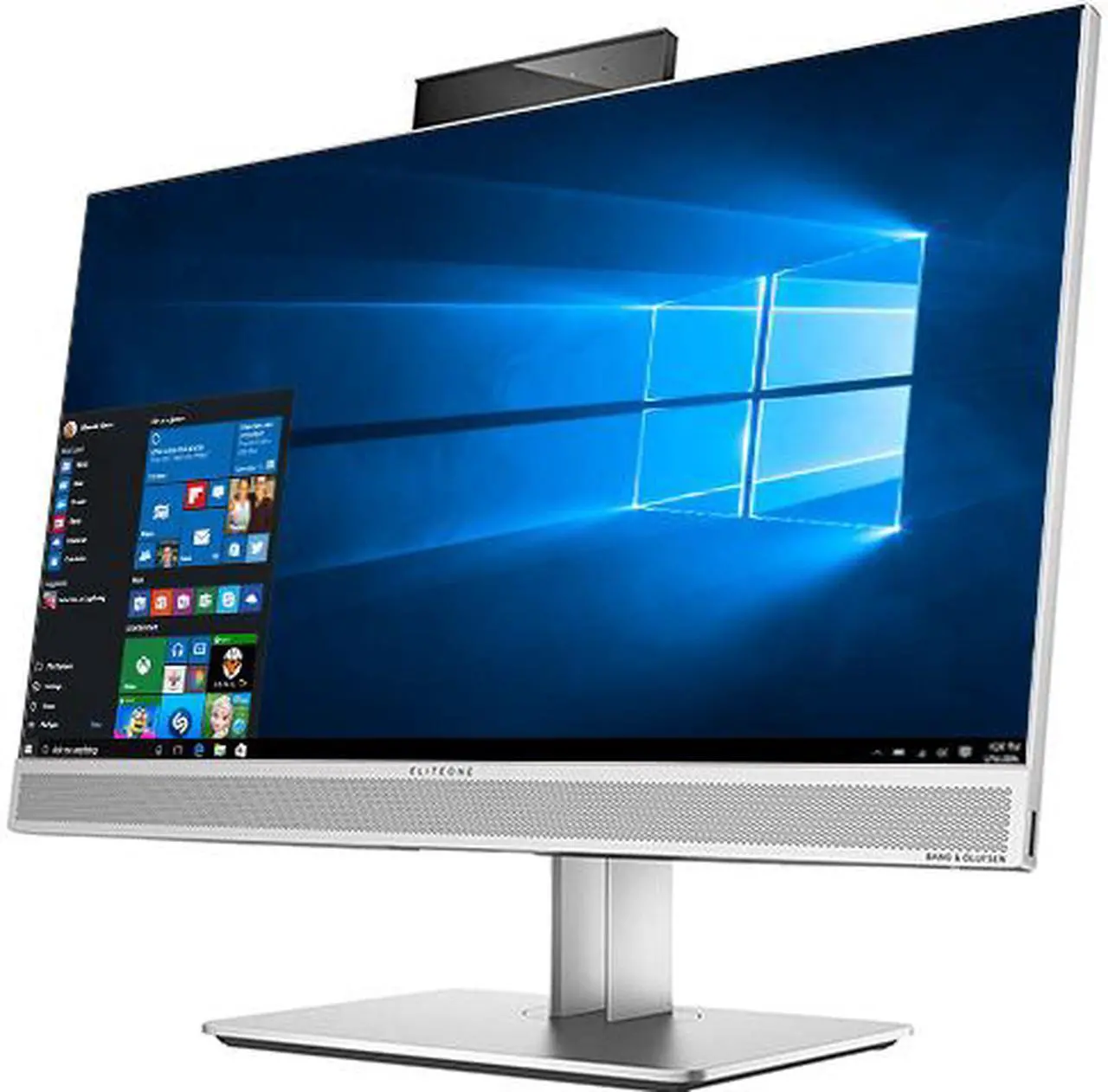
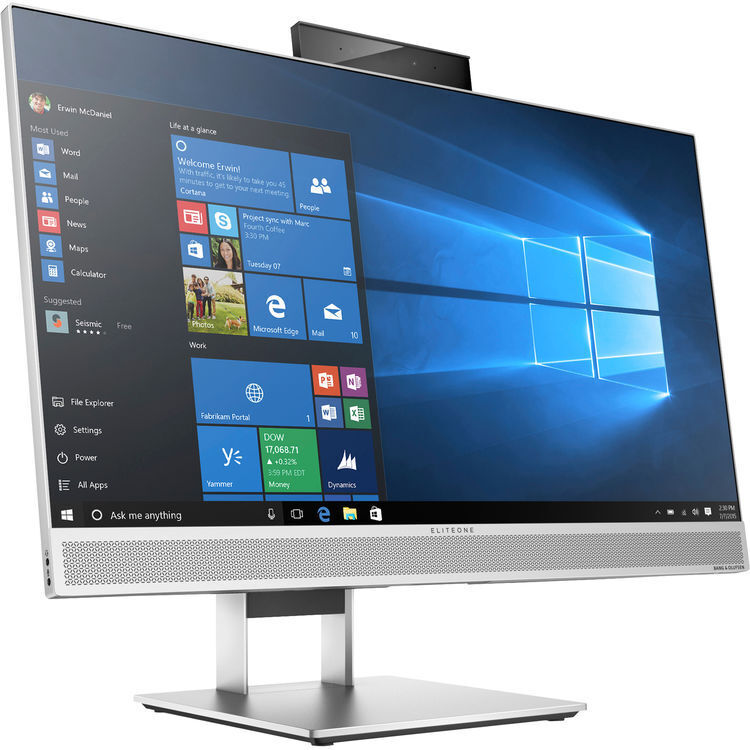
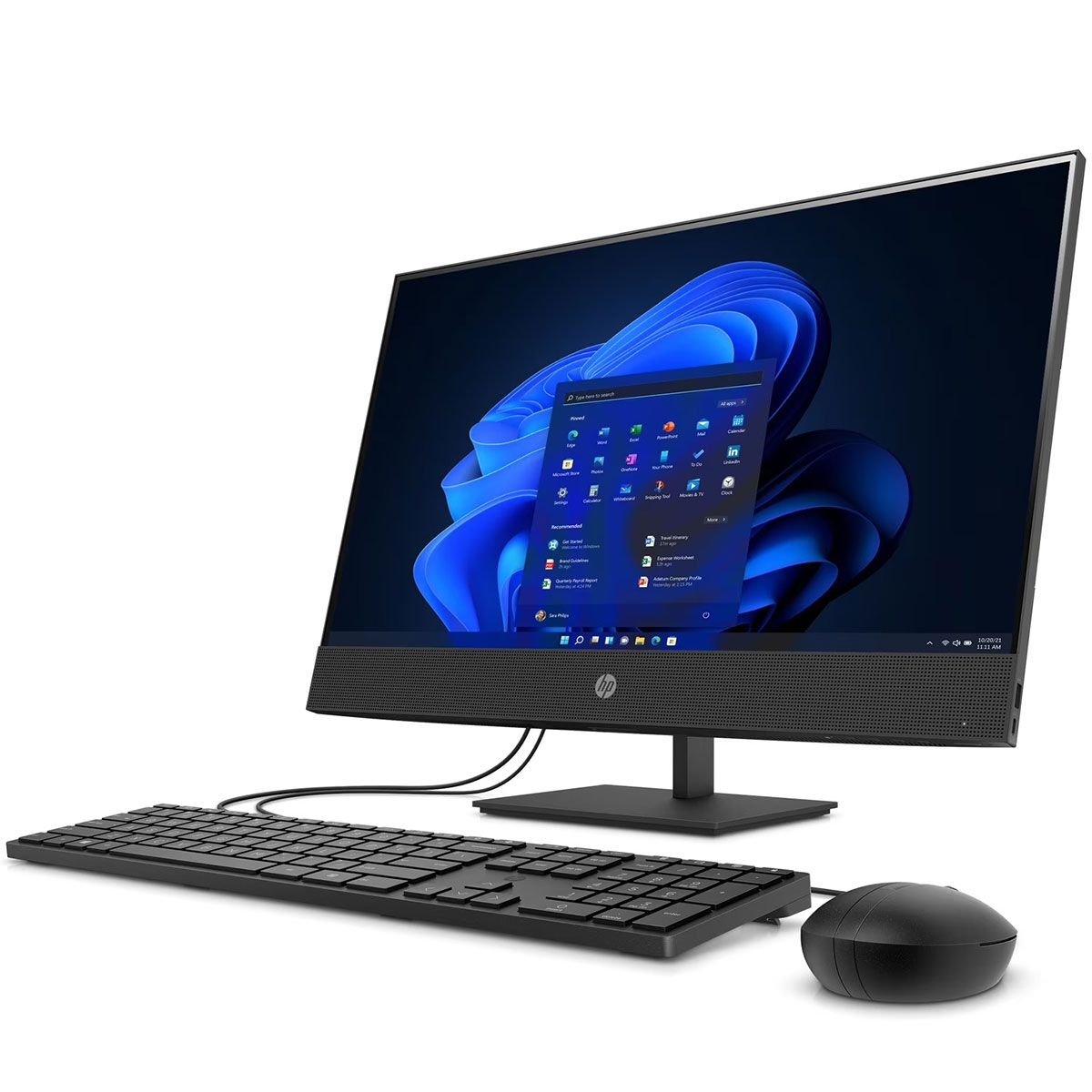
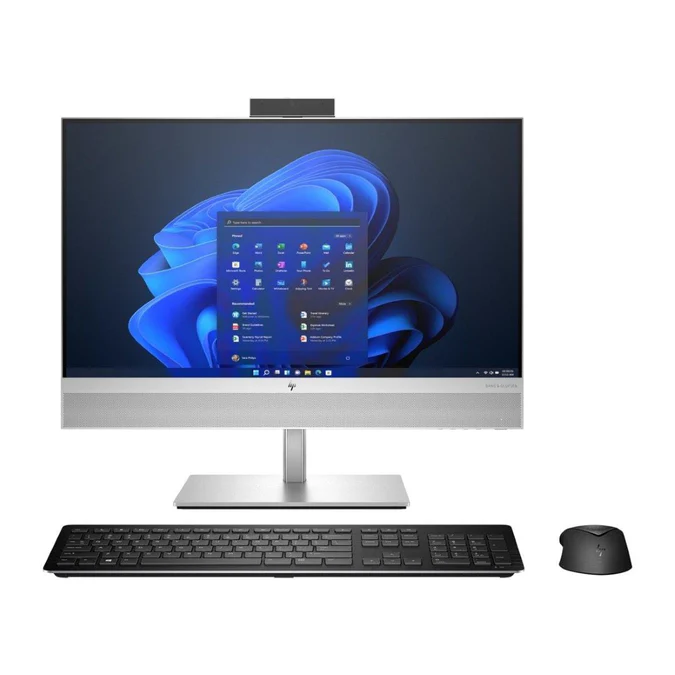
- HP EliteOne 800 G4: Similar specs, often more expensive, better stand adjustability
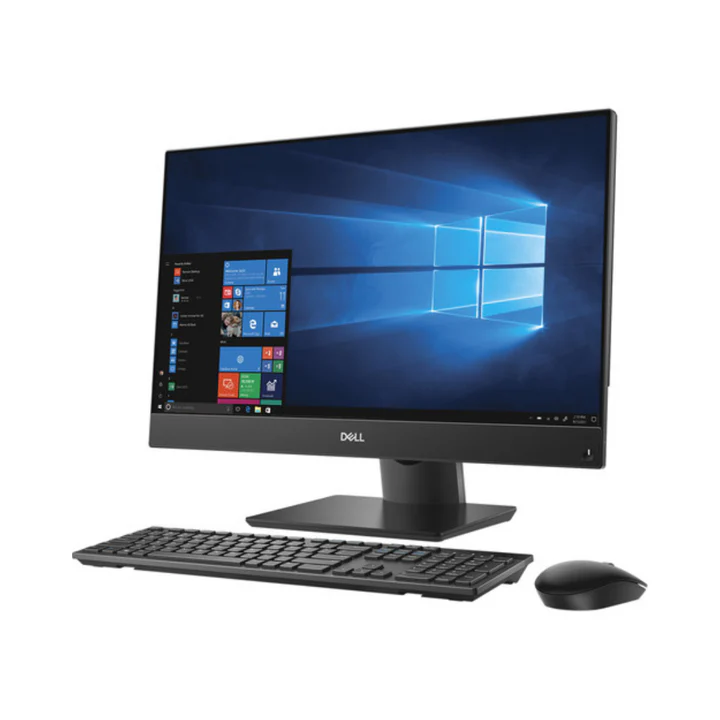
- Dell OptiPlex 7460 All-in-One: Comparable, sometimes better display options
- Apple iMac 21.5": Better display, macOS ecosystem, higher price
vs. Modern Mini-PCs with Separate Monitor
- V530-24ICB Advantages: Integrated design, single warranty, space efficient
- Mini-PC Advantages: More portable, easier to upgrade components separately
Pros & Cons
Advantages
- Space Efficiency: All-in-one design saves significant desk space
- Clean Aesthetic: Professional appearance with minimal cables
- Good Performance: 6-core i5 handles business applications well
- Dual Storage: SSD speed plus HDD capacity ideal for business use
- Business Features: Windows 10 Pro, TPM 2.0, management capabilities
- Reliable Brand: Lenovo business-grade build quality and support
- Easy Deployment: Single unit to install versus multiple components
Limitations
- Limited Upgradability: RAM and storage only; no GPU upgrades
- Display Fixed: Cannot upgrade monitor separately from computer
- Thermal Constraints: 35W TDP processor less powerful than desktop variants
- Basic Stand: Tilt-only, no height or swivel adjustment
- Integrated Graphics: Not suitable for graphics-intensive applications
- Repair Complexity: More difficult to service than traditional desktops
- Older Connectivity: No USB-C or Thunderbolt ports
Upgrade Paths & Maintenance
User-Upgradeable Components
- Memory:
- Add second 8GB module for 16GB total (recommended)
- Maximum: Replace both with 16GB modules for 32GB total
- Requires opening rear panel (carefully)
- Storage:
- NVMe SSD can be upgraded to 512GB or 1TB
- HDD can be replaced with larger capacity or SSD
- Both accessible when rear panel is removed
- Wireless Card:
- Can be upgraded to Wi-Fi 6 (AX200/AX210)
- M.2 form factor with CNVi interface
Non-Upgradeable Components
- Processor: Soldered to motherboard
- Graphics: Integrated, no discrete GPU option
- Display: Fixed panel, not replaceable with different size/type
- Power Supply: Internal, non-standard form factor
Maintenance Considerations
- Cleaning: Dust vents periodically to maintain cooling efficiency
- Software Updates: Keep Lenovo Vantage updated for drivers and firmware
- Backup Strategy: Utilize the dual drives for system image and data separation
- Professional Service: Complex repairs best handled by authorized technicians
Current Market Position (2024)
Pricing & Value Assessment
- Original Price (2018-2020): $800-$1,000 depending on configuration
- 2024 Refurbished Price: $300-$450
- Factors: Condition, remaining warranty, included accessories
- Corporate off-lease units: $300-$350
- Refurbished with warranty: $350-$450
- Value Proposition: Good for business environments needing space efficiency
Competitive Landscape
- Similar Age Competitors: Dell OptiPlex 7460, HP EliteOne 800 G4
- New Alternatives: Entry-level business desktops + basic monitor
- Niche Position: Space-constrained professional environments
Purchase Recommendations
Ideal Buyers
- Small Businesses: Want professional appearance without high cost
- Educational Institutions: Need reliable, space-efficient workstations
- Medical/Dental Offices: Require clean, professional front desk computers
- Home Office Users: Value desk space and tidy appearance
- Corporate Bulk Purchasers: Standardizing on easy-to-deploy workstations
Who Should Consider Alternatives
- Gamers & Creatives: Need dedicated graphics and better displays
- Heavy Multitaskers: Would benefit from 16GB+ RAM standard
- Future Upgraders: Want ability to upgrade GPU or other components
- Budget-Conscious: Can get more performance with traditional desktop
- Ergonomics Focused: Need height-adjustable display stands
Configuration Recommendations
- Minimum Upgrade: Add 8GB RAM for 16GB total (under $30)
- Storage Optimization: Use SSD for OS/apps, HDD for documents/data
- Display Enhancement: Consider VESA mount with adjustable arm
- Peripheral Selection: Wireless keyboard/mouse for maximum cable reduction
Long-Term Outlook
Expected Lifespan
- Hardware: 4-6 years of business use from original purchase
- Software Support: Windows 10 supported until October 2025, Windows 11 until 2027+
- Performance Relevance: Adequate for office productivity through 2025-2026
Resale Value & Depreciation
- Current Depreciation: ~60-70% of original value
- Future Value: Will continue to decline as newer models enter refurb market
- Niche Value: May retain value for specific business use cases
Final Assessment
Rating: 7.5/10 for Business Use | 6.5/10 for General/Home Use
The Lenovo V530-24ICB All-in-One Desktop represents a well-executed example of business-focused computing design, successfully balancing performance, space efficiency, and professional aesthetics. Its core strength lies in its ability to deliver competent computing performance while occupying minimal desk space—a valuable combination in modern offices where workspace optimization matters.